
Request Forms
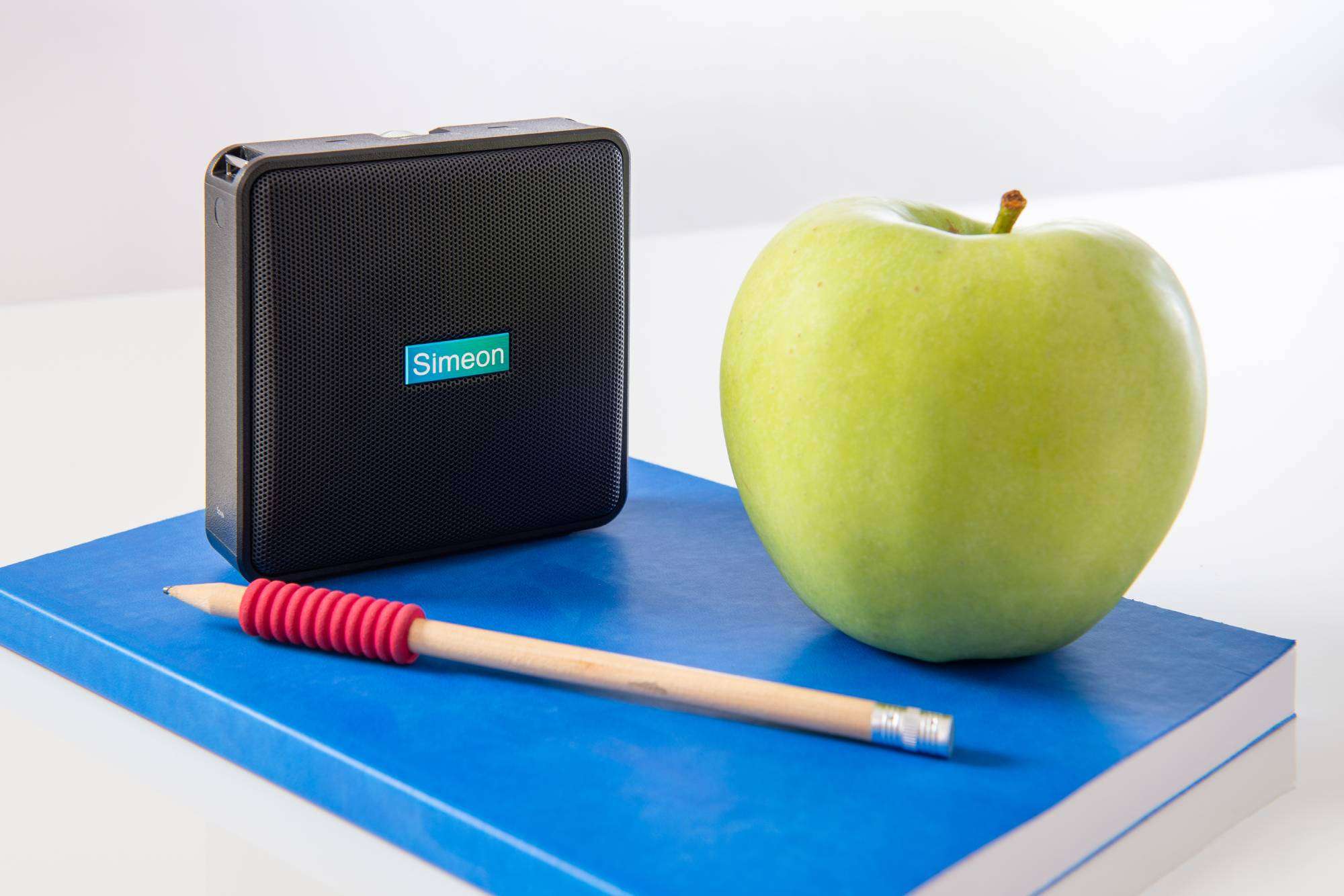
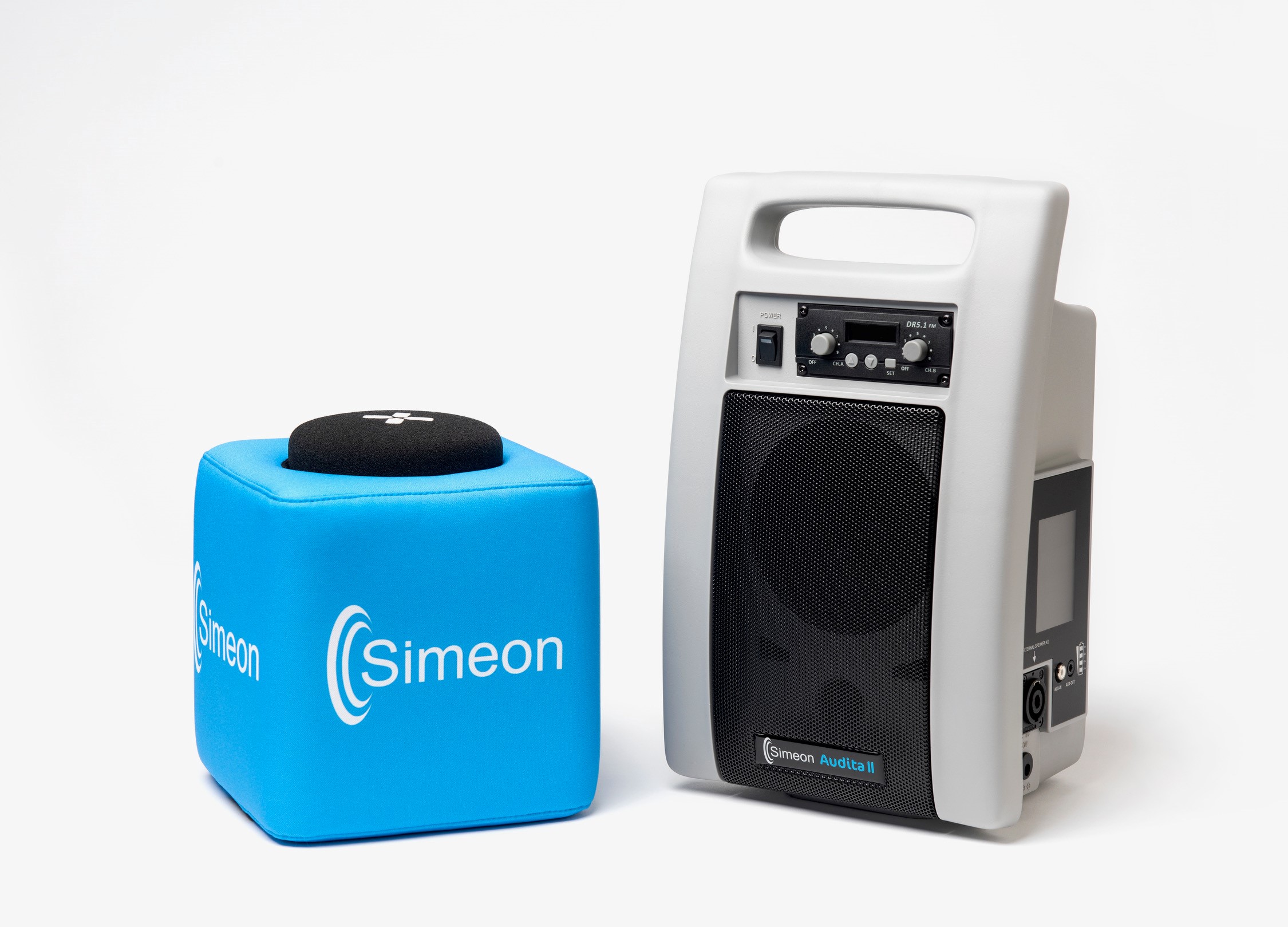
Please contact us for any troubleshooting or additional documentation you may require. Resources, brochures, guides, and manuals are at your fingertips.
New – instructional videos
Download Resources Brochures and Guides
Simeon Brochures
Simeon Manuals
Comfort Audio Brochures
Comfort Audio Product Manuals
Covid-19 Cleaning Guide
Discontinued Product Manuals
Acoustic Pioneer - Auditory Processing Disorder
resources
Truth and Reconciliation Day
Honouring Truth with Action In 2021, Truth and Reconciliation Day was created. It is a day that recognizes the damaging impact of residential schools in Canada and honours survivors. September 30th, 2021 marked the first official day of observance. Every year, a...
International Day of Sign Language 2026
We heard the news. Summer is officially over, and you're already counting the days before it's back. Thankfully, International Day of Sign Language is September 23rd this year, and you will not have to wait a second to celebrate and observe. International Day of Sign...
Behind the Scenes: Audita III
Behind the Scenes We thank the Simeon Audita II FM Soundfield system for being a longstanding staple in North American classrooms in creating accessible hearing spaces. The current climate has changed and adjusted to welcome the Auracast – Enabled, Simeon Audita III...
A Gigantic Week for Auracast
What a Moment for Hearing Accessibility Wow, what a GIGANTIC week for Auracast! My mind is still spinning by the flurry of new product introductions by the Big Five hearing aid manufacturers, as we have now reached the moment where all of them have launched...
Our Trade-in Credit Program Changes August 1st of 2026
Addressing Market Needs We’ve long enjoyed offering customers a lucrative trade-in program that ensures an ecologically healthy “end-of-life” program for older soundfield systems, including not only our own Simeon systems but our competitor, Phonak, as well. To...
Do Not Allow Hearing Loss to Get in the Way
Auracast Signal = Less Fatigue This year I was excited to attend my first American Cochlear Implant Alliance conference this week, presenting on Auracast during the Emerging Technologies segment. Those with cochlear implants and Cochlear BAHA devices may benefit the...
Auracast connection with Starkey’s Omega hearing
Seize Any Opportunity to Enjoy Auracast I finally had a chance to test the Auracast connection with Starkey's Omega hearing aids to our Simeon Audita III soundfield system yesterday. Many thanks to the world-famous Audiology lab at Western University for hosting and...
Auracast in Group Spaces
Auracast: Tried and True I was thrilled to be invited as a guest lecturer at York University, to present about classroom soundfield systems and lecture on Auracast in group spaces. Given that Auracast is so new, the "students" (they were all DHH Teachers) had some...
Simeon Celebrates Disability Pride Month
LaSalle Community Placing Trust In Auracast
LaSalle Places their Trust in Auracast Auracast has come to the beautiful town of LaSalle, Ontario! The community recreation centre is using the Simeon Audita III, the world's first Auracast-enabled soundfield system, to provide improved hearing accessibility for...
Evaluation Report Login
Log in to receive an updated evaluation report by email. Not registered? Contact us to get set up with an account. Users searching for resources, brochures, guides, and manuals are in the right place for your usage and convenience.
Instructions
- Enter your email address and password.
- You will get a prompt that your report request been successfully submitted.
- Within a few minutes you should receive an automated e-mail reply from info@simeoncanada.com with a PDF attachment.
- The attached report will be a current statement (refreshed within the past 24 hours) of all the equipment currently on evaluation to your account as well as >3 years history of all purchased evaluation equipment.
- You can search the PDF report by any criteria such as serial number, invoice number, school name, date, or initials.
Important: if you do not receive the report by email please contact us for troubleshooting.